Why water in your iPhone speaker is a problem
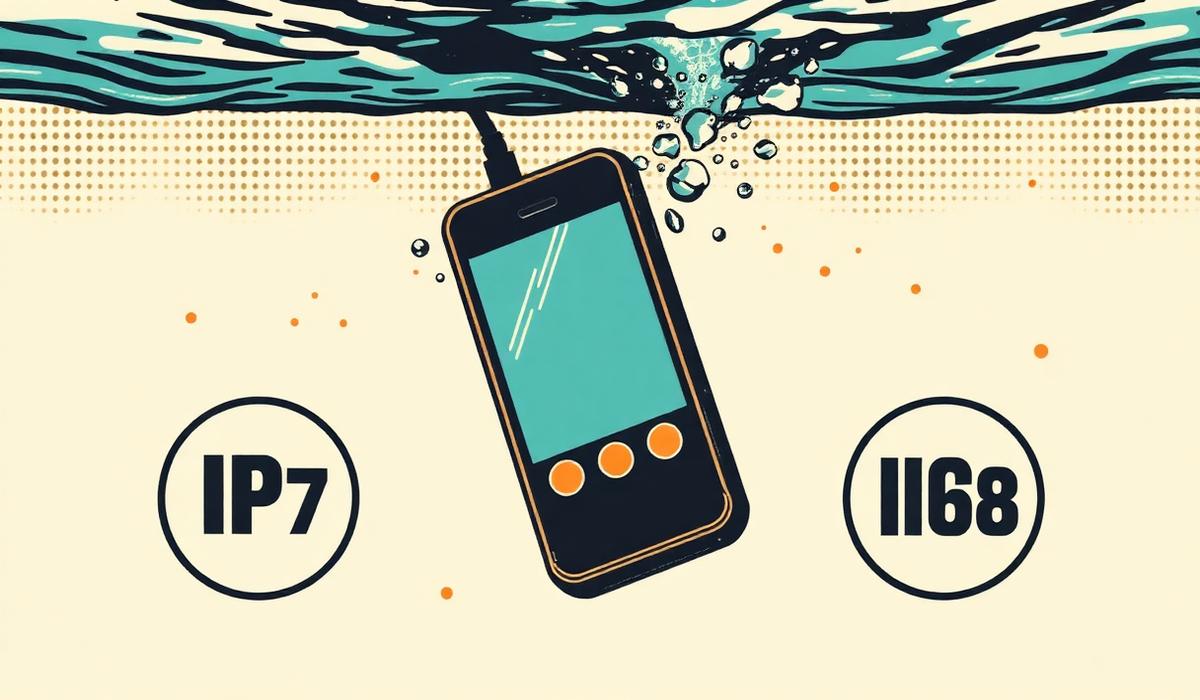
Modern iPhones are impressively water-resistant, but that resistance is about survival, not sound. Even on an iPhone 15 Pro rated IP68, the speaker grille is one of the most exposed openings on the device. When water gets pushed inside during a splash, a shower, or a full drop into the sink, it doesn't magically drain out. It sits in the tiny chamber behind the mesh and dampens every vibration the speaker cone tries to make.
The result is a phone that sounds like it's talking through a pillow. Calls become hard to hear. Notifications feel muted. Music loses its top end and any bass turns to mush. Worse, if the water sits there for hours or days, minerals in the water can dry into a crust on delicate speaker components, permanently reducing volume.
Step 1: Get it out of the water immediately
Before anything else — power the phone down if it's still in the water, dry the exterior with a soft cloth, and stop pressing buttons. Water sitting on top of the device isn't nearly as urgent as water inside the speaker chamber, but exterior drying protects the ports.
Do not insert cotton swabs, paper towels, or SIM ejector tools into the speaker grille. You'll push water and lint deeper into the mesh and possibly damage the diaphragm.
Step 2: Use a sound-based water ejector
The safest, most effective way to remove trapped water is to make the speaker vibrate at a frequency that pushes water molecules outward instead of letting them settle. This is exactly what the Apple Watch's built-in "Water Lock" feature does, and it's what our tool at the top of this site does on any device with a speaker.
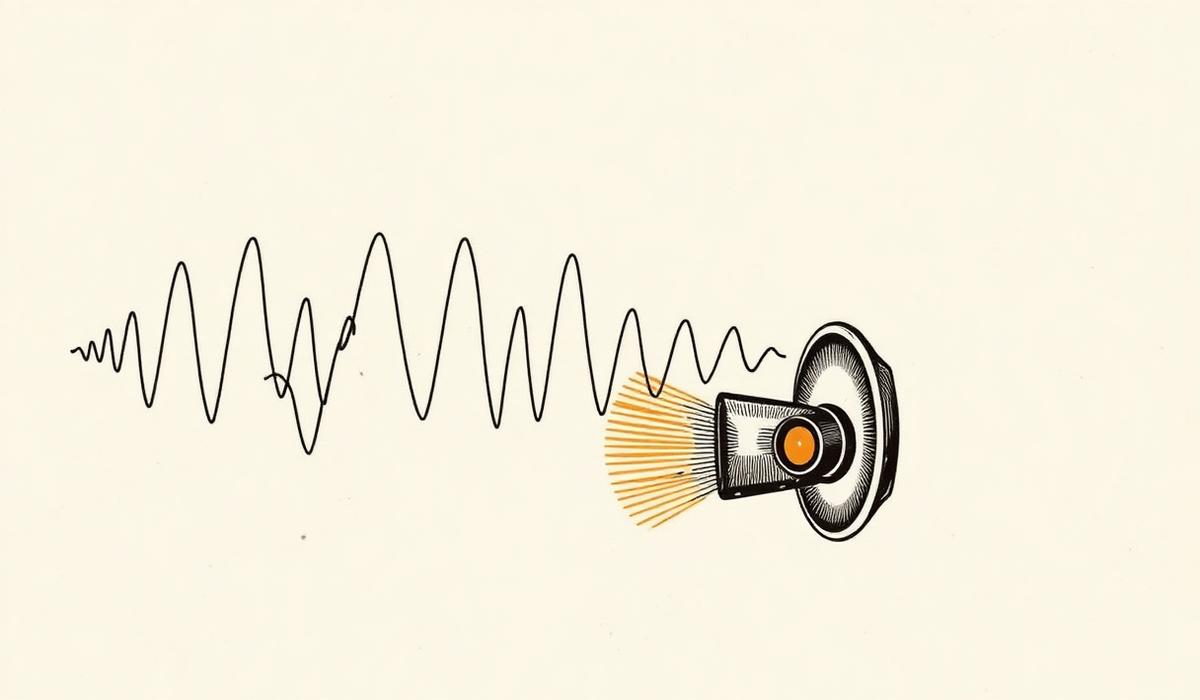
The mechanism is simple: a calibrated low-frequency tone (around 165 Hz for most phone speakers) causes the speaker diaphragm to oscillate rapidly. That oscillation displaces the water droplets sitting in the chamber and flings them out through the grille. Because you're using sound — not heat, pressure, or air — there's no risk to the internal electronics.
How to do it right:
- Turn your iPhone volume to maximum. The tone needs amplitude to move the water.
- Remove any case that covers the speaker grille.
- Hold the phone with the speaker facing down over a soft cloth or towel. Gravity helps.
- Press the activation button and let it run the full duration (30 seconds is a good default).
- Tap the phone gently against the towel between cycles to shake droplets loose.
You can run the tool two or three times back-to-back. If the sound clarity isn't back after the third run, water may be behind the earpiece speaker or trapped elsewhere — see step 4 below.
Step 3: Test the sound
Play a song with wide dynamics — something with clear vocals and a real bass line — at moderate volume. Listen for muffled or crackling sound. Compare it to how the same track sounded before. If it's back to normal, you're done. If it's close but not quite there, one more ejection cycle usually finishes the job.
For quick verification, use our speaker test page to play L/R channel tones and confirm both speakers are clear.
Step 4: Give it time to dry naturally
Even after ejection, a little residual moisture may still be inside. Do this:
- Leave the phone in a dry, room-temperature spot for at least a few hours.
- Skip the rice trick. It doesn't work as well as the internet says, and rice dust can get into ports.
- Silica gel packets in a sealed container can help pull residual humidity out.
Do not use a hair dryer on high heat, a microwave (please), or a vacuum cleaner. Heat can warp adhesive seals and vacuums can pull water deeper into the internals.
When to worry
If the phone still sounds muffled after 24 hours of drying plus multiple ejection cycles, you may have a mechanical or electrical fault. Book a repair appointment. The good news is that in most cases, a properly-run sound ejection restores the speaker to full clarity within a few minutes.
Bookmark this page — the tool at the top works on iPhone, Android, laptops, and Bluetooth speakers, and it'll be there next time.