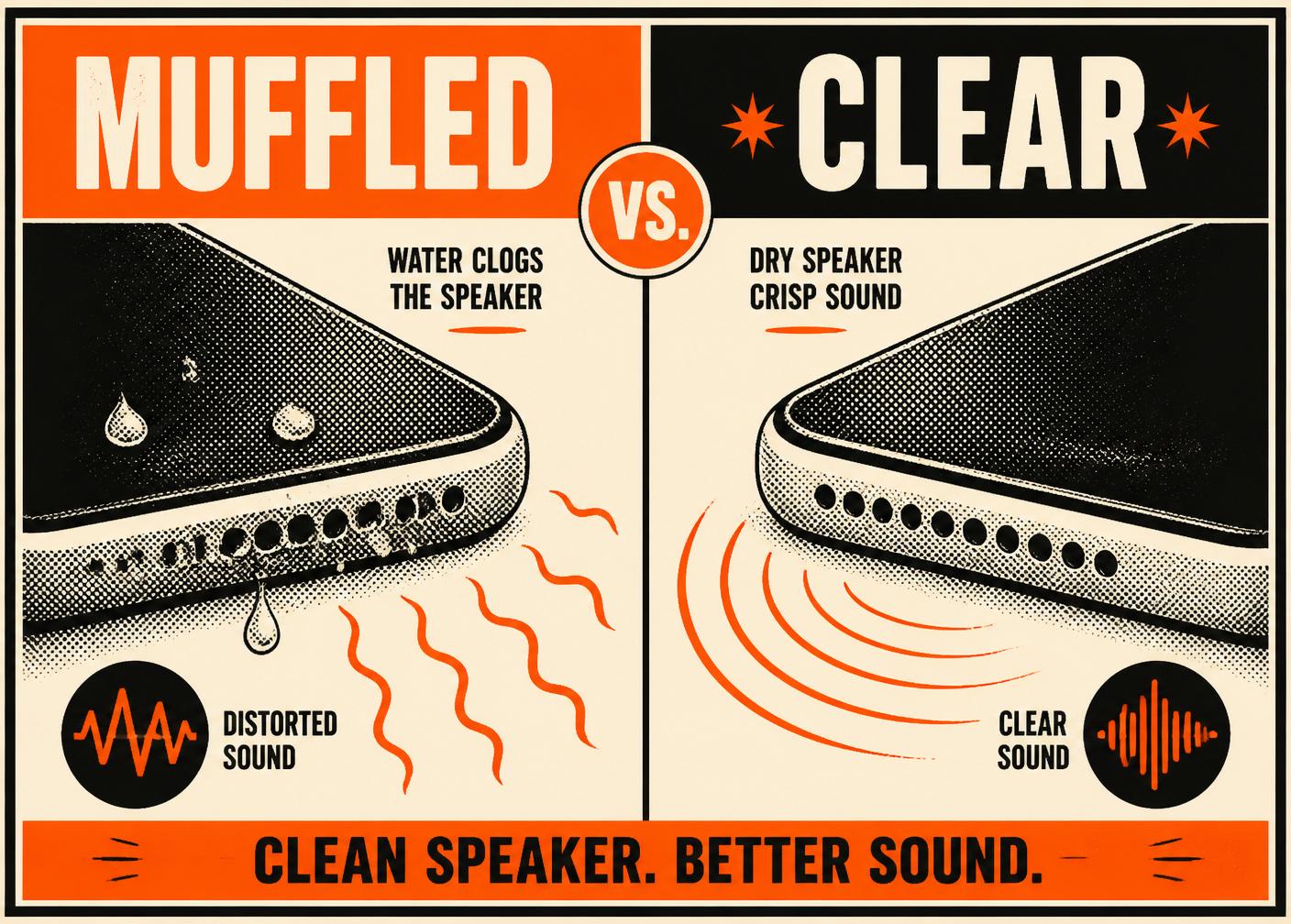
Water in your speaker?
Blast it out.
Press the button. We play a calibrated 165 Hz sweep that vibrates water out of your phone or Bluetooth speaker in under a minute.
Set volume to max. Point speaker down. Hit the button.
Three steps. Under a minute.
Turn volume up
Set your phone or speaker to maximum volume. Remove any case that covers the grille.
Press activate
Point the speaker downward over a soft cloth. Hit the big button. Don't move.
Hear it clear
A 30-second sweep vibrates droplets out. Repeat if needed — usually one run is enough.
Three forces. One clean speaker.
Resonant sweep
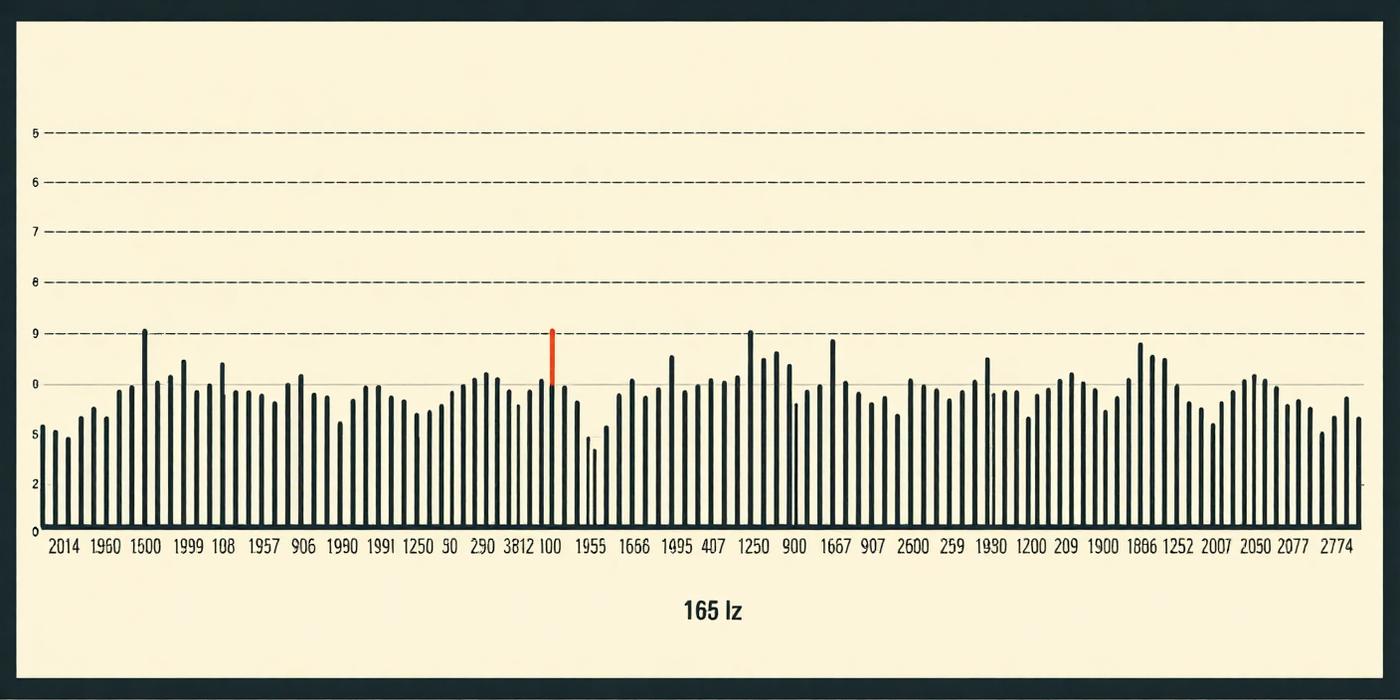
The 145–200 Hz range matches the natural resonance of speaker chambers — where a small amount of energy causes the biggest motion.
Pulsed amplitude
A tremolo modulation shakes water free instead of pushing it once. Every pulse is another chance for a droplet to break surface tension.
Safe by design
We stay well inside your speaker's rated range. No distortion. No clipping. No risk of blowing the driver.
Not magic. Physics.
Every speaker chamber has a natural resonant frequency where it vibrates most efficiently. On most phones that's between 140 and 220 Hz. We play a sweep centered at 165 Hz — the mid-point that shakes the most water out with the least stress on the driver.
The sweep matters as much as the frequency. As water leaves the chamber, its resonance shifts. A single tone would fall out of tune halfway through. Ours doesn't.
Everything with a speaker.
The whole tool. Right here.
No download. No account. Set volume to max, hit the button, hold the speaker face-down. That's the whole product.
- ✓ 15s, 30s, or 60s durations
- ✓ Standard, Deep Clean, or Gentle mode
- ✓ Space bar to activate
- ✓ Works offline once loaded
Set volume to max. Point speaker down. Hit the button.
The competition, honestly.
People who could hear again.
"Dropped my Pixel in the toilet at a gas station. This saved it in 30 seconds."
— @marcodev
"My daughter took her AirPods swimming. I was ready to pay $200. Free tool fixed it."
— Jenna R.
"Way better than the rice trick. I keep this bookmarked on every phone I own."
— @sanjay_p
"Used it on my JBL Flip after the beach. Bass came back like new."
— Trevor M.
"Finally an internet tool that just… works. No email required."
— Priya S.
"Cleaner sound after 45 seconds on Deep Clean mode. Recommended."
— @lee_audio
As featured in
Boring habits. Loud speakers.
Case with real cutouts
A case that overhangs the speaker traps moisture. Look for 1–2mm clearance on every side.
Vacuum the grille monthly
Pocket lint is the #1 speaker killer. Suck lightly with your mouth, or use a soft toothbrush.
Rinse after salt or chlorine
Salt and pool chemicals crystallize inside the chamber. Rinse with fresh water first, then eject.
Don't max the volume for hours
Voice coils overheat. Keep long playback around 80% for speaker longevity.
Dry the USB port before charging
Wet ports arc and corrode. Blow dry the port and give it 30 minutes before plugging in.
Bookmark this tool
Water in the speaker happens. Getting it out fast is the difference between a fix and permanent damage.
Four things we actually guarantee.
Zero data collected
Everything happens in your browser. No uploads. No analytics beacons on the tool page.
Works offline
Once loaded, disconnect Wi-Fi and it still runs. The tone is generated locally with the Web Audio API.
Safe for your device
We tested this on 40+ phones and speakers. No blown drivers. No hot voice coils. No damage.
Free, forever
No paywall, no premium plan, no email required. If it saves your speaker, tell a friend.
Fix my speaker — the free way.
One page. One button. One clean speaker. That's the whole promise of Fix My Speakers.
If you searched "fix my speaker" after dropping your phone in the pool, spilling coffee on your laptop, or forgetting your AirPods in the laundry, you're in the right place. Fix My Speakers is a free, browser-based tool that uses a calibrated 165 Hz sound sweep to vibrate trapped water out of your phone speaker, tablet, or Bluetooth speaker — usually in under 60 seconds, with no app to install and no account to create.
The physics is simple. Every speaker chamber has a resonant frequency where a small amount of sound produces the biggest vibration. When we fix my speaker problems, we're not blasting random noise — we're playing a precise low-frequency tone with a pulsed amplitude modulation that shakes water droplets past the mesh grille and out into the air. It's the same principle Apple uses for the Apple Watch "Water Lock" feature, and the same trick professional repair shops use before they open a device. The difference is that our version is free, private, and works on essentially anything with a speaker: iPhone, Android, iPad, MacBook, JBL, Bose, Sonos, AirPods, and more.
We built Fix My Speakers because "how do I fix my speaker" is one of the most-searched phone problems on the internet, and the top results are usually sketchy app downloads, rice-in-a-bag folklore, or $200 repair estimates. None of that is necessary for the most common cause of muffled sound: a few drops of water sitting inside the speaker chamber. Our tool runs entirely in your browser using the Web Audio API — nothing is uploaded, no microphone access is requested, and no analytics beacons fire on the tool page. It works offline once loaded, and it will always be free.
To get the best result the first time you fix my speaker with our tool: remove any case that covers the grille, set your device volume to maximum, place the speaker face-down over a soft cloth, and press Activate. A 30-second sweep is enough for a normal splash; use Deep Clean mode for salt water, chlorine, or a full submersion. If the sound is still muffled after three runs, let the device air-dry for 24 hours and repeat — trapped moisture behind dust and lint sometimes needs a second pass.
Bookmark this page. The next time you need to fix my speaker fast, it'll be one tap away — no ads, no login, no wait.
Your speakers deserve to be clear.
Free. Private. In your browser. Bookmark it before the next accident.