Bluetooth speakers live hard lives
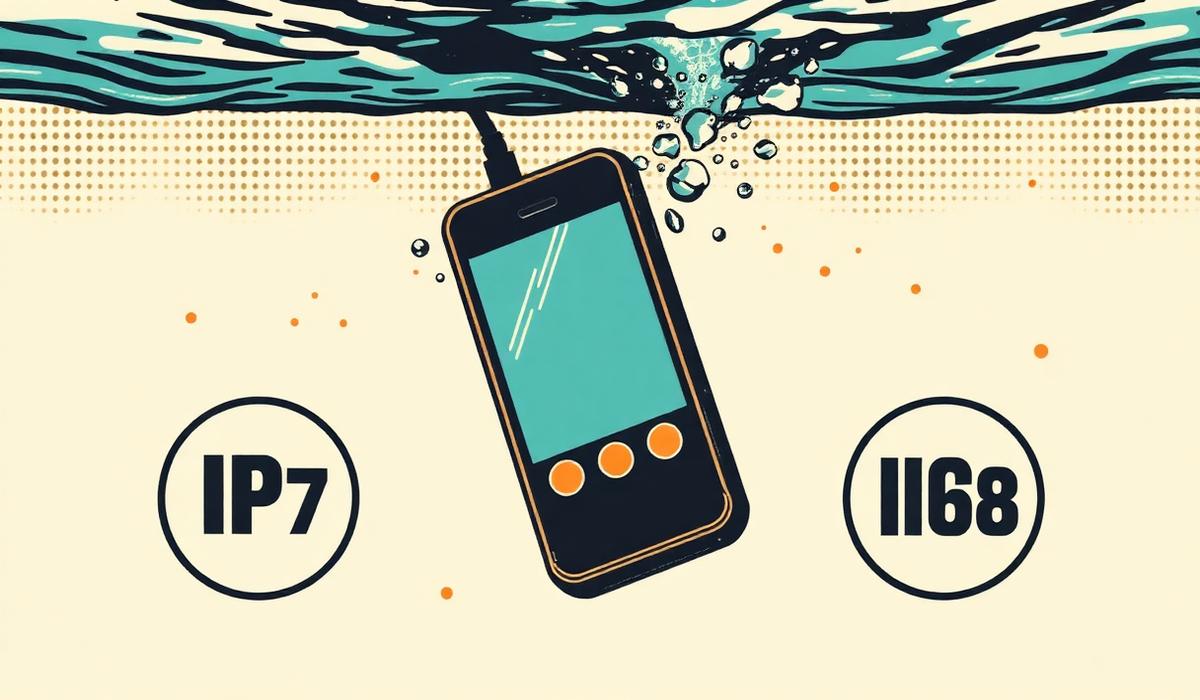
Portable Bluetooth speakers spend their lives near pools, on beaches, in showers, and at BBQs. It's a life of moisture and dust. Even IPX7-rated speakers can end up with muffled sound after enough exposure, because water doesn't need to enter the enclosure to cause problems. It just needs to sit in front of the driver grille.
If your JBL Flip, Bose SoundLink, UE Boom, or Anker Soundcore suddenly sounds thin, boxy, or wrapped in cotton, water is the most likely culprit — followed closely by dust and salt residue.
The muffled-speaker checklist
Before assuming your speaker is broken, work through this in order:
- Charge it. Low battery on Bluetooth speakers often triggers a protective volume cap. Charge to full and re-test.
- Restart it. Hold the power button for 10 seconds to force a hard reset. Bluetooth codec renegotiation sometimes fixes phantom quality drops.
- Try a different source. Play from another phone. If it sounds fine, the muffling was on the source device.
- Check the source's own speaker settings. Bass reduction, night mode, or EQ presets on your phone can strangle the output.
- If it still sounds muffled — it's water or dust.
Ejecting water from a Bluetooth speaker
The same sound-based technique that works on phones works on Bluetooth speakers, with two adjustments.
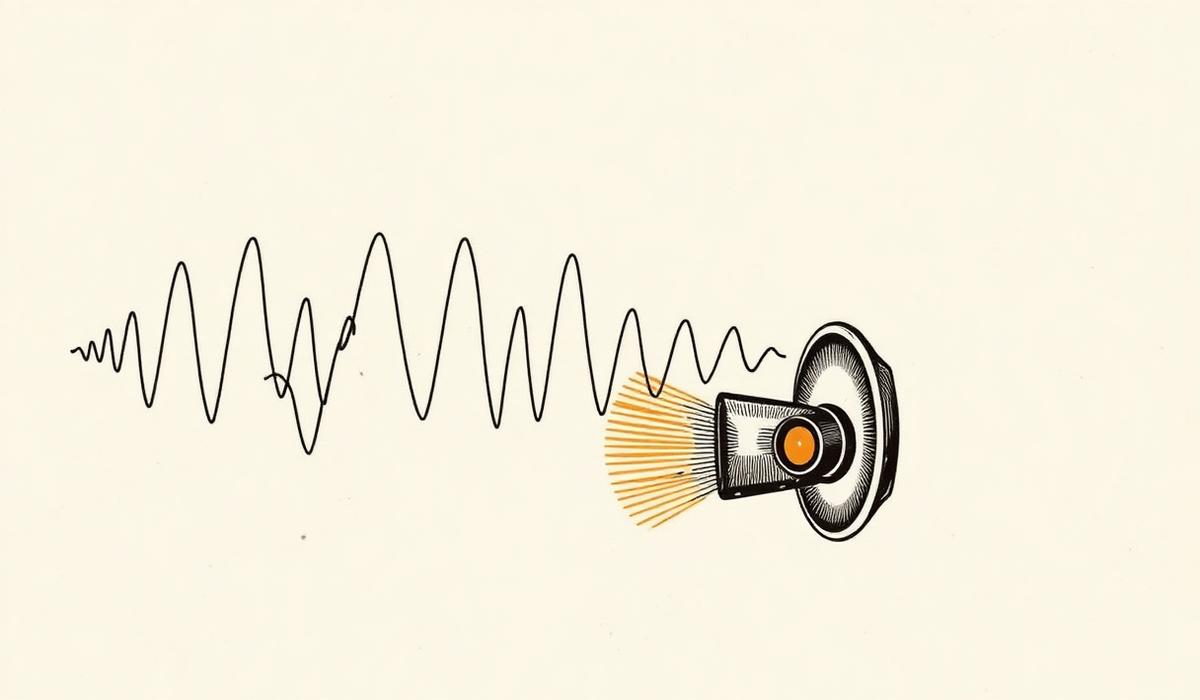
First, use a lower frequency. Larger drivers resonate at lower frequencies, so the "Deep Clean" mode on the tool at the top of this site is calibrated for exactly this. It runs closer to 145 Hz, which better matches the resonant frequency of a full-range Bluetooth driver.
Second, play the tone directly through the speaker. Pair the speaker to your phone, keep volume at maximum on both, and orient the speaker with the grille facing down over a towel. Gravity plus vibration is the fastest way to push droplets out.
Run the tool twice, giving the speaker 30 seconds of rest between runs so the driver doesn't overheat at max volume. Most muffled Bluetooth speakers are audibly better after one full 60-second cycle.
What about dust and salt?
If the speaker was at the beach, you may also have salt crystals and sand in the grille mesh. After ejecting water:
- Let the speaker fully dry for 24 hours.
- Use a soft toothbrush to gently brush the grille — never a stiff brush or metal tool.
- Compressed air on the lowest setting, held at least 15 cm away, can dislodge loose particles. Do not use canned air upside down; the propellant can damage components.
When to give up
Bluetooth speakers with IPX7 or higher ratings are designed to survive submersion, but no consumer speaker is designed to survive salt water indefinitely. If your speaker was submerged in the ocean and no amount of ejection is restoring clarity, salt corrosion may have already reached internal components. Warranty support is worth asking about, especially in the first year.
Prevention beats treatment
The single best prevention step is to rinse the speaker with fresh water after any beach or pool use — before it dries. Salt and chlorine are much easier to remove wet than after they've crystallized inside the driver assembly.
And when you inevitably do get water in there again, you know where to find us.